
Computer & Laptop Support
From slow performance to unexpected crashes, let AI help identify what's going wrong.
From 75 Credits

Most computer problems have a short list of likely causes.
A laptop that takes four minutes to boot, a desktop that freezes during video calls, a machine that shuts down without warning — these symptoms feel identical to the person experiencing them, but they come from very different places: a failing drive, a thermal problem, a driver conflict, or simply a disk that has nothing left to breathe.
Horjely starts with what you noticed, not with a diagnostic term you had to look up. You describe the behaviour, when it started, and what changed. The assistant narrows the likely causes, tells you what is safe to try yourself, and flags the moment a technician should take over.
Common problems
What people usually describe.
These are the symptoms we hear most in this category — and what typically sits behind them.
Boots slowly or hangs on the logo screen
Usually a failing storage drive, a corrupted startup service, or a pending update that never finished installing.
Fans run loudly and the case gets hot
Dust-clogged heatsinks, degraded thermal paste, or a background process quietly pinning the CPU at 100%.
Random shutdowns and blue screens
Often memory faults, unstable drivers, or a power supply that can no longer hold load under demand.
Battery drains in under an hour
Worn battery cells, aggressive background apps, or a charging circuit that is no longer delivering full power.
Screen flickers, blacks out, or shows artifacts
Loose display cable, GPU driver problems, or an aging panel and backlight assembly.
Won't turn on at all
Charger and power delivery issues, a dead CMOS battery, or a motherboard fault that needs bench testing.
What Horjely can diagnose
What the assistant can figure out for you.
- Whether your symptoms point to storage, memory, thermal, or software causes
- Which safe checks to run first, in the right order
- Whether recent changes (an update, a new app, a spill, a drop) explain the behaviour
- How urgent the problem is and what risks your data is under
- Which professional service matches your issue, and roughly what it should cost
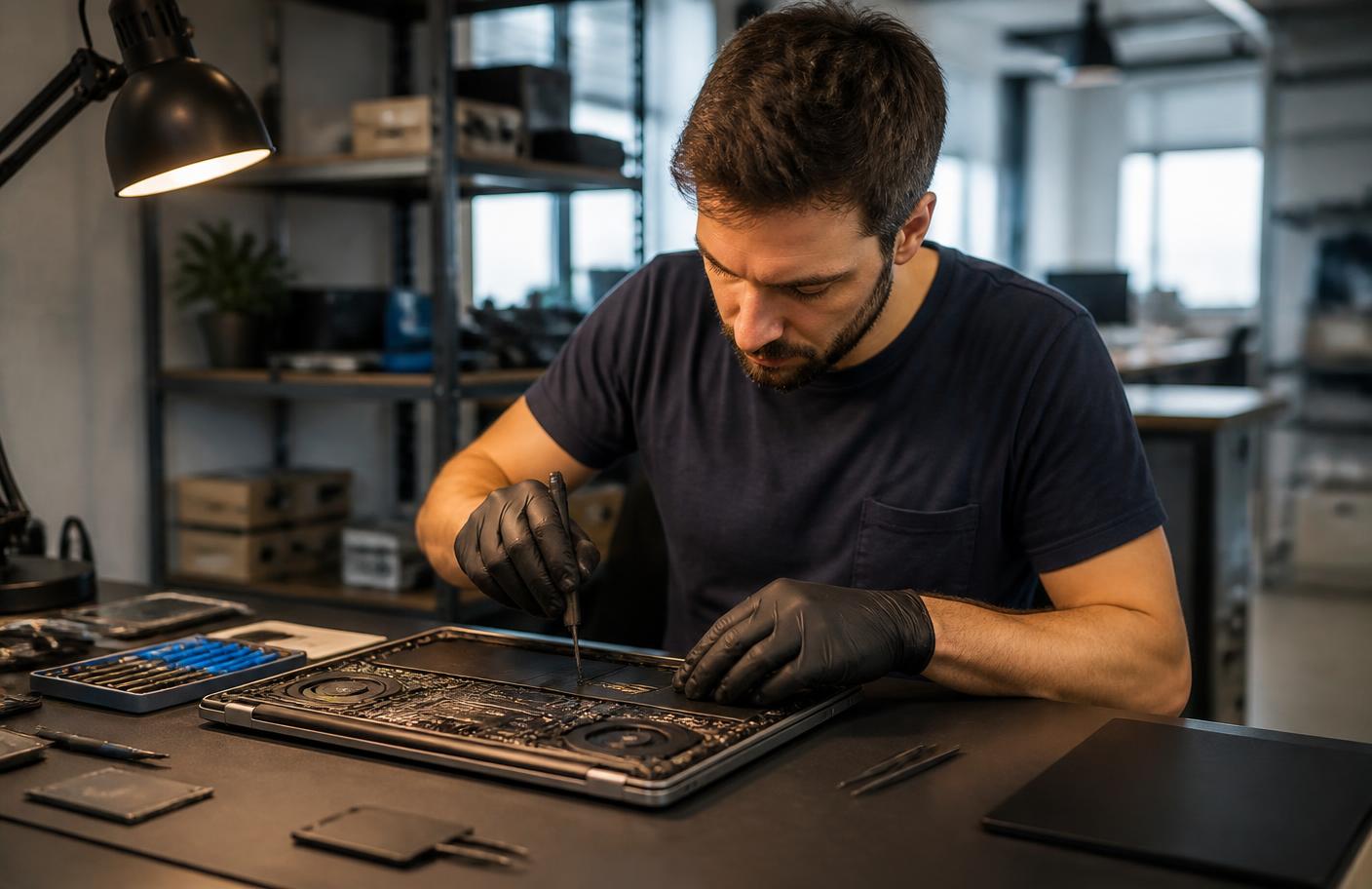
When you need a professional
The point where a human should take over.
AI is honest about its limits. These situations go straight to a verified specialist.
- The machine shows no signs of power after basic charger checks
- You hear clicking from the drive or files have started disappearing
- Liquid damage, a drop, or visible physical damage is involved
- Diagnosis points to motherboard, GPU, or power-supply level repair
- Data recovery matters more than getting the machine running again
What's included
Everything in this service.
- AI symptom interview and structured problem summary
- Likely-cause ranking with a confidence score
- Step-by-step guided checks you can perform safely
- Health review guidance for storage, memory, and temperatures
- Written recommendation of the right next service
- Optional handoff to a specialist with your full diagnosis attached
How it works
The process, step by step.
- 01
Describe the behaviour
Tell Horjely what the computer does, when it started, and what you were doing at the time.
- 02
Answer a few follow-ups
The assistant asks targeted questions to separate software causes from hardware ones.
- 03
Review the diagnosis
You get ranked possible causes, a confidence score, and a plain-English explanation.
- 04
Fix it or hand it over
Follow guided steps yourself, or send the diagnosis to a specialist for remote or in-person work.
In depth
How Horjely approaches computer & laptop.
The reasoning behind the diagnosis, so you know what you are paying for before you spend a single Credit.
What we look at first
Every computer case starts with the same three questions: what changed recently, how the machine behaves from a cold start, and whether the fault follows the software or the hardware. That ordering matters — a slow boot caused by a dying SSD looks identical to one caused by a corrupted update, but only one of them is worth spending money on parts for.
Hardware faults versus software faults
Thermal throttling, failing storage, degraded batteries and unstable memory are physical problems that get worse with time. Driver conflicts, bloated startup lists, broken updates and disk-space exhaustion are software problems that a guided remote session usually resolves the same day. The AI diagnosis separates the two before you commit Credits to anything.
What you get at the end
A written diagnosis with the most likely cause, a confidence score, the safe steps you can take yourself, and a Credit estimate for the work if you'd rather hand it to a specialist. Nothing is deducted until the service is delivered.
Typical cost
What this usually costs in Credits.
One Credit costs 0.10 EUR. You always see an estimate before anything starts.
AI diagnosis
50 Credits
Full symptom interview, ranked causes, and a recommended next step.
Guided remote fix
75 – 125 Credits
Software cleanup, driver and startup repair, performance tuning with a specialist.
Hardware-level service
175 – 60 Credits
Thermal service, component replacement, or board-level diagnostics by a technician.
AI diagnosis
Start with AI.
Answer a few questions and get a better idea of what might be happening before you book professional help.
What's happening?
Pick the closest symptoms for your computer & laptop and add any detail.
Select a symptom or describe the problem to run the analysis.
FAQ
Computer & Laptop questions.
Specific answers for this category, not generic support boilerplate.
Related services
Don't know what's wrong?
Start with AI.
Describe the problem. Get a clear next step. Get professional help when you need it.
You
"My Wi-Fi drops every evening in the back bedroom."
Horjely
That pattern points to channel congestion at peak hours combined with distance from the router. Let's confirm with two quick tests▍