
Wi-Fi & Internet Support
Dead zones, dropouts, or speeds nowhere near what you pay for — AI helps locate the real weak point.
From 50 Credits
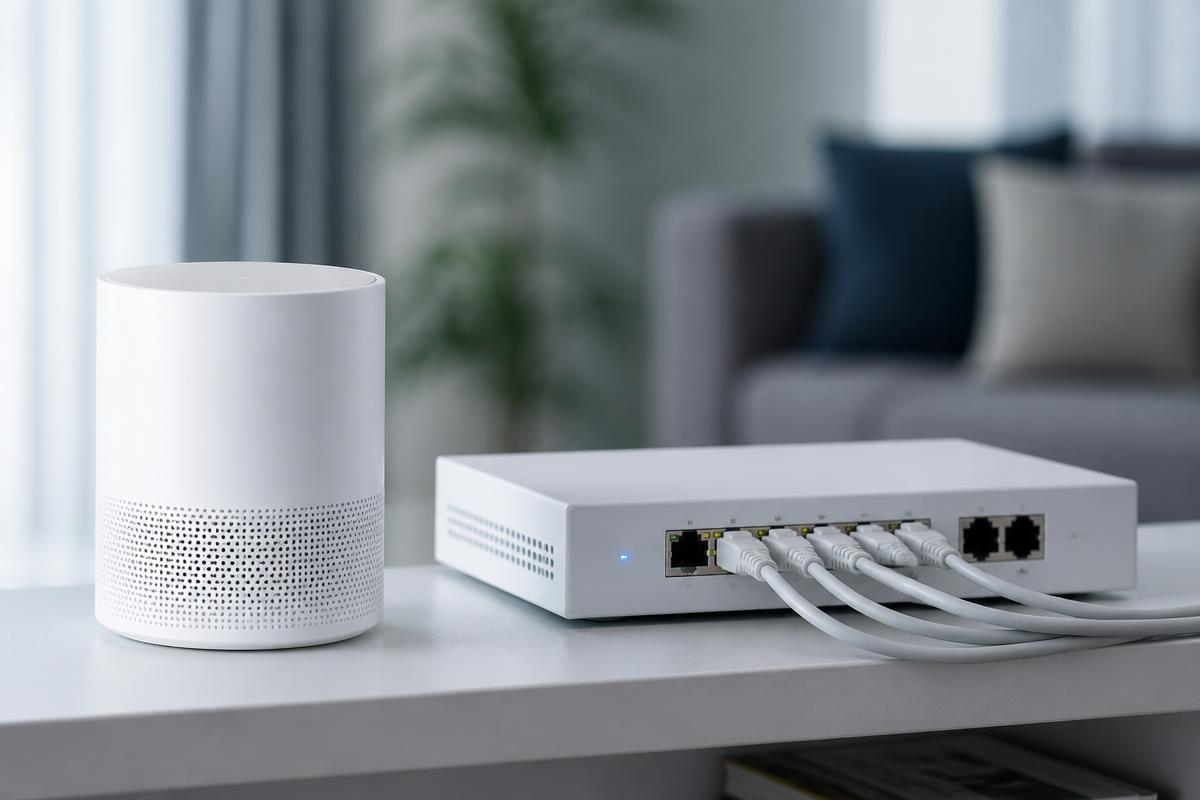
Slow internet is usually not your internet.
The connection into your home is rarely the bottleneck. Far more often it is placement, channel congestion, an aging router, a wall the signal cannot cross, or a single device quietly saturating the upload.
Horjely maps your setup through a short conversation — what's plugged in where, which rooms fail, whether wired devices behave differently — and tells you whether you need a better position, a mesh node, a firmware update, or a genuine call to your provider.
Common problems
What people usually describe.
These are the symptoms we hear most in this category — and what typically sits behind them.
Wi-Fi drops out several times a day
Channel interference, an overheating router, or firmware that needs updating.
One room has almost no signal
Distance, dense walls, or a router positioned in a cupboard or corner of the house.
Speeds far below the plan you pay for
Older router hardware, 2.4 GHz-only connections, or congestion from neighbouring networks.
Video calls freeze while downloads are fine
Upload saturation, latency spikes, or buffer bloat rather than a bandwidth shortage.
Some devices connect, others refuse
Band steering, security protocol mismatch, or a full DHCP address pool.
Connection dies every evening
Peak-hour congestion on the provider side, or a household usage pattern that overwhelms the router.
What Horjely can diagnose
What the assistant can figure out for you.
- Whether the problem is your router, your devices, or your provider
- Which speed test results actually indicate a fault
- Whether your coverage problem needs a mesh system or just repositioning
- If interference or channel congestion explains the dropouts
- What to tell your internet provider so the call is productive

When you need a professional
The point where a human should take over.
AI is honest about its limits. These situations go straight to a verified specialist.
- Wiring, sockets, or cabling need to be installed or replaced
- A multi-node mesh or access-point network needs proper design
- Business-grade VLANs, firewalls, or static routing are involved
- The fault sits in the provider line and needs on-site verification
- You need a full-home survey to place equipment correctly
What's included
Everything in this service.
- AI network interview covering layout, devices, and symptoms
- Guided speed and stability testing methodology
- Router placement and channel configuration recommendations
- Firmware and security configuration checklist
- Clear verdict on whether new hardware is justified
- Optional escalation to a network technician
How it works
The process, step by step.
- 01
Describe the network problem
Which rooms, which devices, and at what times of day it happens.
- 02
Run guided tests
Horjely tells you exactly which tests to run, wired and wireless.
- 03
Locate the weak point
A clear answer on whether it's placement, hardware, or the provider line.
- 04
Fix or escalate
Apply the configuration changes, or book a technician for installation work.
In depth
How Horjely approaches wi-fi & internet.
The reasoning behind the diagnosis, so you know what you are paying for before you spend a single Credit.
Coverage problems are rarely the provider's fault
Dead zones, dropouts during calls, and speeds that collapse in the evening are usually caused by router placement, channel congestion from neighbouring networks, or a mesh setup that never had its backhaul configured properly.
Measure, then change one thing
We map where the network actually fails — by room, by device, and by time of day — before touching hardware. That prevents the common cycle of buying extenders that quietly make the problem worse.
Home offices and small businesses
Where uptime matters, the recommendation covers segmentation for work devices, guest access, and a realistic upgrade path that doesn't require replacing everything at once.
Typical cost
What this usually costs in Credits.
One Credit costs 0.10 EUR. You always see an estimate before anything starts.
AI diagnosis
50 Credits
Network interview, guided testing, and a located weak point.
Remote network session
50 – 100 Credits
Router configuration, channel planning, firmware, and security hardening.
On-site network work
175 – 65 Credits
Mesh design, access point installation, and cabling handled on location.
AI diagnosis
Start with AI.
Answer a few questions and get a better idea of what might be happening before you book professional help.
What's happening?
Pick the closest symptoms for your wi-fi & internet and add any detail.
Select a symptom or describe the problem to run the analysis.
FAQ
Wi-Fi & Internet questions.
Specific answers for this category, not generic support boilerplate.
Related services
Don't know what's wrong?
Start with AI.
Describe the problem. Get a clear next step. Get professional help when you need it.
You
"My Wi-Fi drops every evening in the back bedroom."
Horjely
That pattern points to channel congestion at peak hours combined with distance from the router. Let's confirm with two quick tests▍