
Gaming PC Diagnostics
Frame drops, thermal throttling, or mid-game crashes — AI helps find the bottleneck before you buy parts.
From 75 Credits
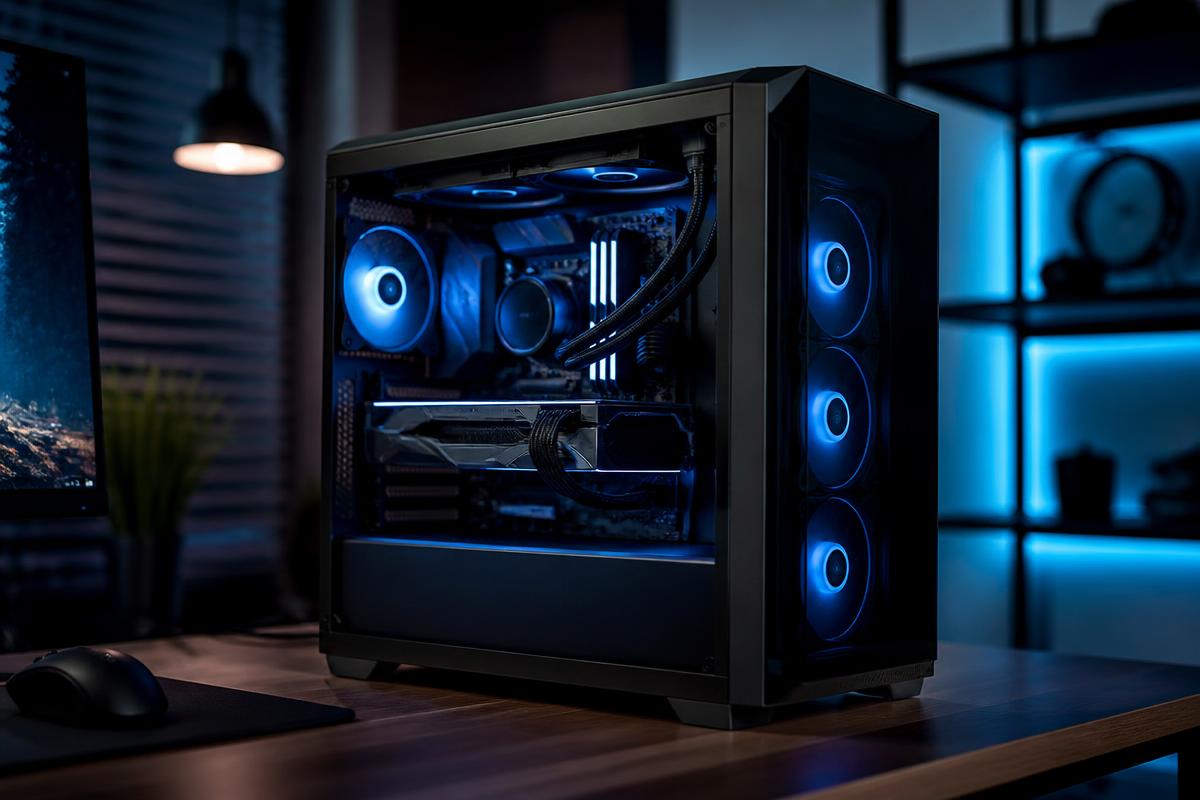
Before you replace the GPU, find out if the GPU is the problem.
Gaming systems fail in ways that look dramatic and point in the wrong direction. A crash to desktop in one title, stutter that only appears after twenty minutes, a machine that reboots the moment a benchmark loads — most of these trace back to heat, power delivery, or a driver stack, not to a component that needs replacing.
Horjely works the way an experienced builder would: establish whether the fault is thermal, electrical, or software, then confirm it with the temperatures and behaviour you can actually observe. It is the difference between a 20-credit diagnosis and a wasted graphics card purchase.
Common problems
What people usually describe.
These are the symptoms we hear most in this category — and what typically sits behind them.
Shuts down or reboots during heavy games
Classic thermal cut-off or a power supply that cannot hold transient GPU load spikes.
Frame rate drops after several minutes
Thermal throttling as heatsinks saturate, often from dust build-up or poor case airflow.
Stutter and frame pacing problems
Driver conflicts, background overlays, RAM running below its rated profile, or storage bottlenecks.
Crash to desktop in specific titles
Shader cache corruption, overclock instability, or an anti-cheat and driver version mismatch.
GPU fans spin loudly at idle
Stuck fan curves, a failed sensor, or a background process holding the card awake.
New build won't POST
Seating, power connector, or memory configuration issues that a structured checklist resolves quickly.
What Horjely can diagnose
What the assistant can figure out for you.
- Whether crashes are thermal, power, or driver related
- Which temperatures matter and what your readings actually mean
- Whether an overclock or memory profile is causing instability
- If your bottleneck is CPU, GPU, RAM, or storage
- Whether a component upgrade would genuinely help your situation
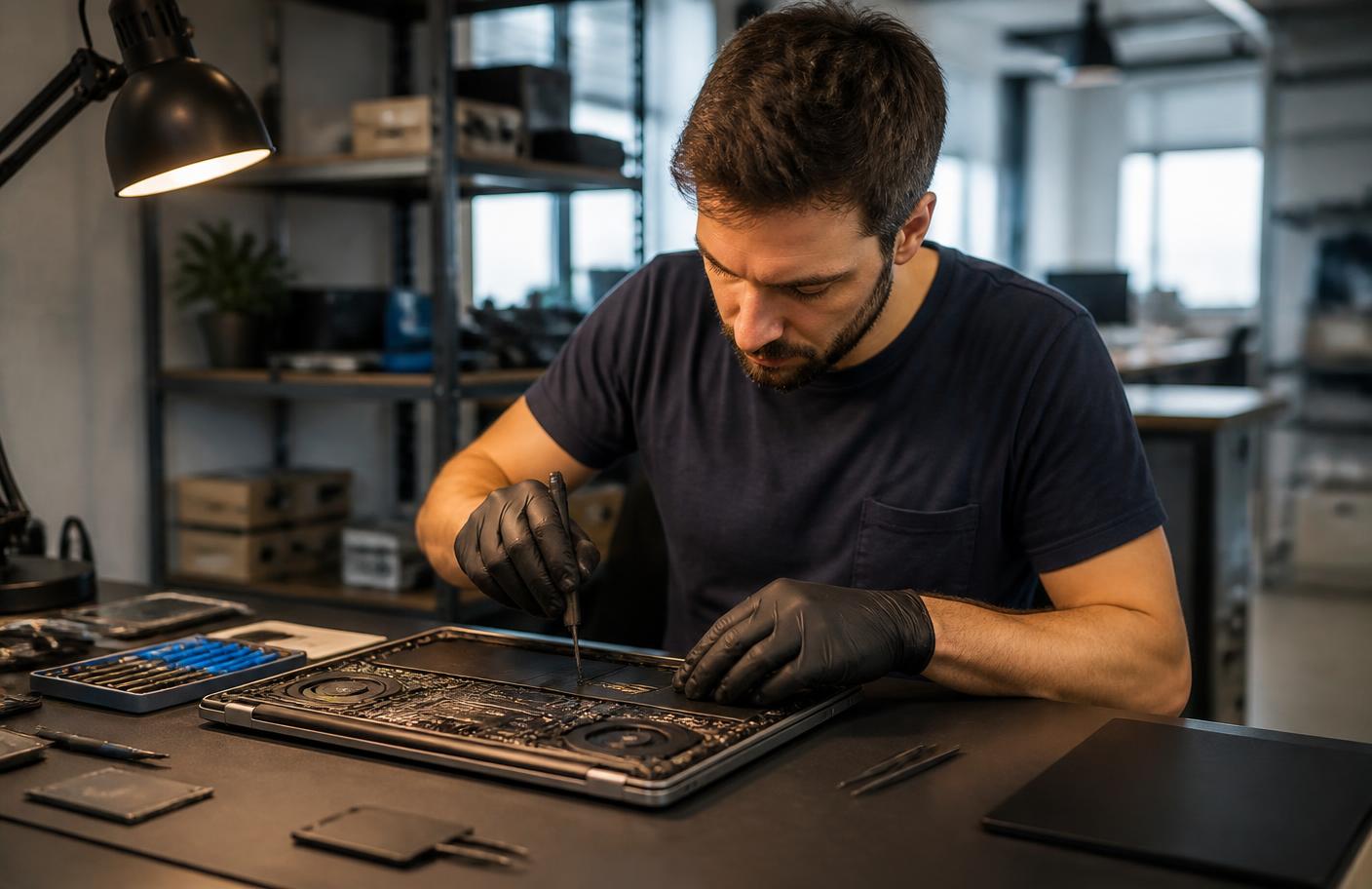
When you need a professional
The point where a human should take over.
AI is honest about its limits. These situations go straight to a verified specialist.
- Thermal paste or cooler replacement is required
- Suspected power supply failure or electrical smell
- The system will not POST after a full checklist
- Liquid cooling leak or pump failure
- Component-level testing needs spare parts to swap in
What's included
Everything in this service.
- AI performance and stability interview
- Thermal, power, and driver cause ranking
- Guided temperature and load monitoring walkthrough
- Driver, BIOS, and profile configuration guidance
- Upgrade advice grounded in your actual bottleneck
- Optional escalation to a build specialist
How it works
The process, step by step.
- 01
Describe the crash or slowdown
Which games, how long in, and what the machine does at the moment of failure.
- 02
Report your readings
Horjely guides you to the temperature and utilisation figures that matter.
- 03
Get the likely cause
A ranked diagnosis with a confidence score and clear reasoning.
- 04
Tune or escalate
Apply guided fixes, or hand the full diagnosis to a build specialist.
In depth
How Horjely approaches gaming pcs.
The reasoning behind the diagnosis, so you know what you are paying for before you spend a single Credit.
Frame drops are a symptom, not a cause
Stutter, sudden FPS collapse, and mid-game shutdowns usually trace back to temperature, power delivery, or a driver stack fighting itself. We read the pattern — does it happen after ten minutes, only in one title, or at every load screen — and that pattern narrows the cause fast.
Cooling and thermal maintenance
Dust-clogged radiators, dried thermal paste, and poor case airflow silently cost you performance long before anything crashes. A thermal service typically restores headroom that owners assume was lost to an ageing GPU.
Builds, upgrades, and stability tuning
If the diagnosis points at an upgrade rather than a repair, you get a component recommendation matched to your resolution and target frame rate, plus the option to have a specialist handle the build and the stability testing.
Typical cost
What this usually costs in Credits.
One Credit costs 0.10 EUR. You always see an estimate before anything starts.
AI diagnosis
50 Credits
Stability and thermal interview with a ranked cause and next step.
Remote tuning session
100 – 150 Credits
Driver stack, fan curves, memory profile, and in-game settings optimisation.
Hands-on build service
200 – 70 Credits
Thermal service, cable and airflow rework, or component swap testing.
AI diagnosis
Start with AI.
Answer a few questions and get a better idea of what might be happening before you book professional help.
What's happening?
Pick the closest symptoms for your gaming pcs and add any detail.
Select a symptom or describe the problem to run the analysis.
FAQ
Gaming PCs questions.
Specific answers for this category, not generic support boilerplate.
Related services
Don't know what's wrong?
Start with AI.
Describe the problem. Get a clear next step. Get professional help when you need it.
You
"My Wi-Fi drops every evening in the back bedroom."
Horjely
That pattern points to channel congestion at peak hours combined with distance from the router. Let's confirm with two quick tests▍