
Printer & Device Support
Offline printers, driver conflicts, and peripherals that refuse to cooperate — diagnosed properly.
From 50 Credits
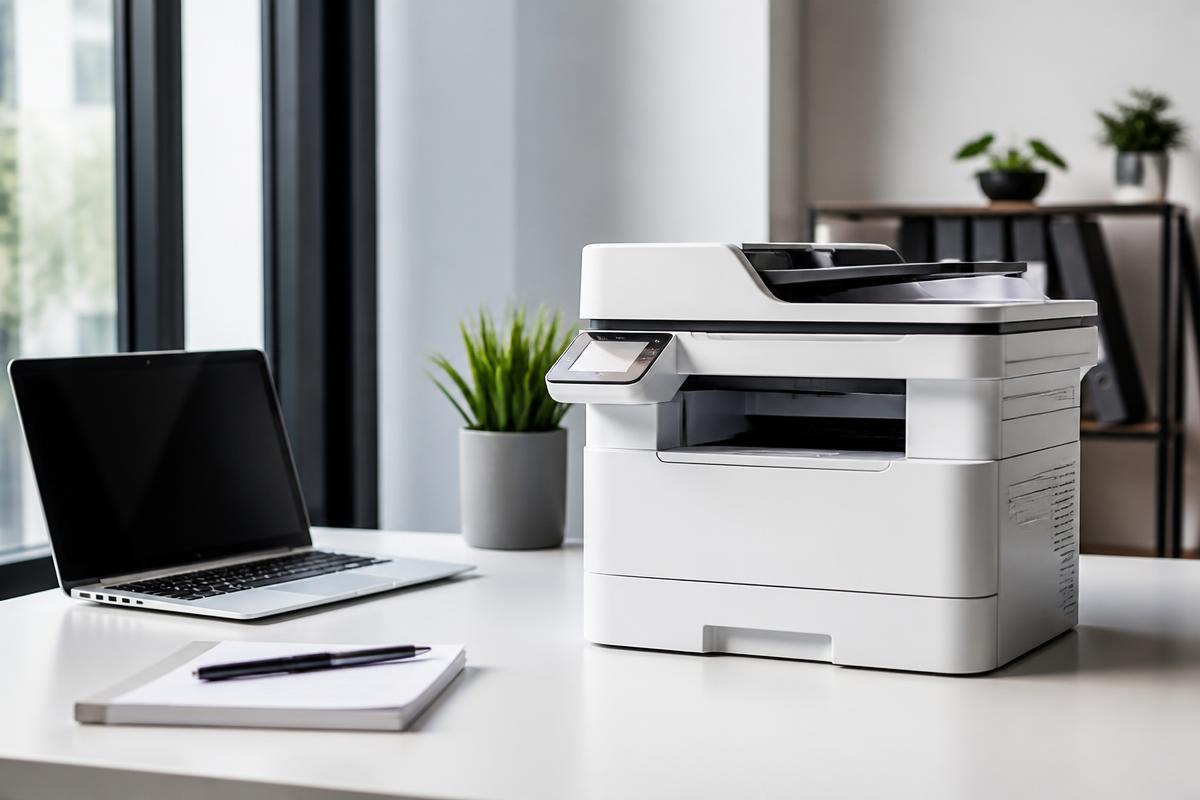
"Printer offline" almost never means the printer is off.
Printers, scanners, docks, webcams, and external monitors fail in the same frustrating way: the device looks fine, but the computer will not talk to it. The cause is usually a driver, a network address that changed, a print spooler that stalled, or a port negotiating at the wrong speed.
Horjely asks which devices see the hardware and which don't, then narrows the fault to the connection, the driver, or the device itself — before anyone suggests buying a replacement.
Common problems
What people usually describe.
These are the symptoms we hear most in this category — and what typically sits behind them.
Printer shows as offline but is powered on
A changed IP address, a stalled print spooler, or the printer dropping off Wi-Fi after sleep.
Print jobs queue and never print
Spooler service faults, a stuck job at the head of the queue, or driver corruption.
Poor print quality or streaking
Dried print heads, low toner distribution, or the wrong paper and quality profile.
Scanner works, printer doesn't (or vice versa)
Partial driver installation where only one function of a multifunction device registered.
USB dock or hub drops devices
Power delivery limits, cable bandwidth, or a driver conflict on the host machine.
External monitor not detected
Cable standard mismatch, display driver issues, or a port that has failed on one end.
What Horjely can diagnose
What the assistant can figure out for you.
- Whether the fault is the connection, the driver, or the hardware
- Why a device works from one computer and not another
- Which driver version and installation method to use
- Whether print quality issues are consumable or hardware related
- If a device is worth servicing given its age and replacement cost
When you need a professional
The point where a human should take over.
AI is honest about its limits. These situations go straight to a verified specialist.
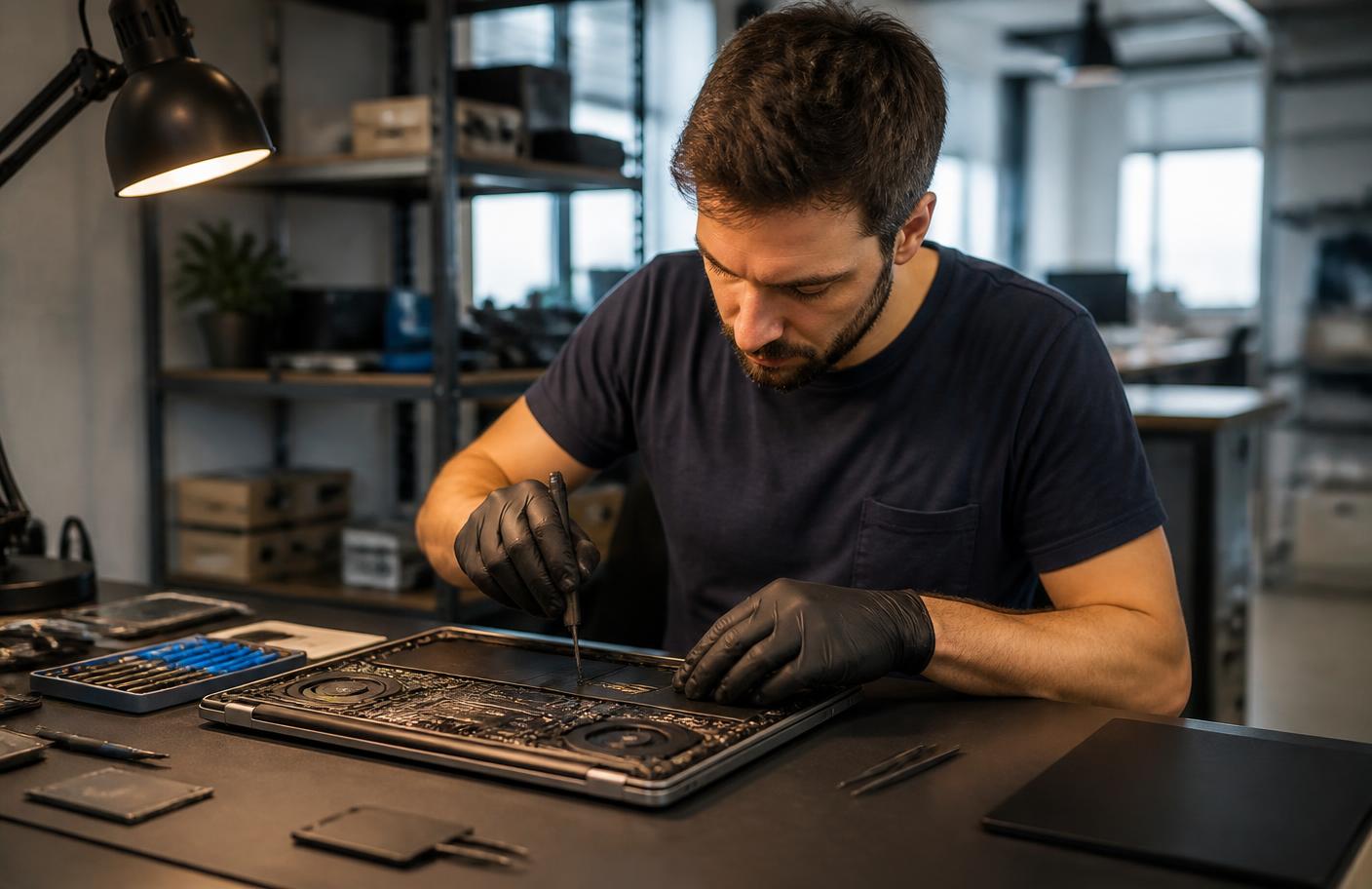
- Mechanical faults: paper feed, rollers, jammed internals
- Print head replacement or deep hardware cleaning
- Multi-user office deployment across many machines
- Damaged ports requiring physical repair
- Network printing setup across VLANs or print servers
What's included
Everything in this service.
- AI connection and driver interview
- Guided spooler, queue, and driver reset walkthrough
- Correct-driver identification for your exact model
- Network printer addressing and reservation guidance
- Repair-or-replace assessment
- Optional escalation to a device specialist
How it works
The process, step by step.
- 01
Describe the device behaviour
What the device does, and which computers can and cannot see it.
- 02
Answer connection questions
USB, Wi-Fi, or wired — the path determines the checks.
- 03
Get a targeted fix list
Ordered steps that start with the most likely cause.
- 04
Resolve or escalate
Complete the guided fix, or book a specialist for mechanical work.
In depth
How Horjely approaches printers & devices.
The reasoning behind the diagnosis, so you know what you are paying for before you spend a single Credit.
'Offline' almost never means broken
A printer that reports offline is usually a driver, a queue, or an IP address that changed when the router restarted. These are the fastest cases on the platform and are typically resolved inside a single remote session.
Print quality and mechanics
Streaks, faded output, and paper jams point at heads, rollers, or consumables. The diagnosis tells you whether a cleaning cycle will fix it or whether the part cost makes replacement the better decision.
Scanners, peripherals, and docks
Docking stations, external monitors, keyboards and scanners fail in familiar ways — power budget, cable standard, or driver mismatch. We check those in order rather than guessing.
Typical cost
What this usually costs in Credits.
One Credit costs 0.10 EUR. You always see an estimate before anything starts.
AI diagnosis
50 Credits
Device and driver interview with an ordered fix list.
Remote setup session
50 – 90 Credits
Driver install, network printing setup, and queue repair with a specialist.
On-site device service
150 – 50 Credits
Mechanical service, multi-machine deployment, and hardware checks.
AI diagnosis
Start with AI.
Answer a few questions and get a better idea of what might be happening before you book professional help.
What's happening?
Pick the closest symptoms for your printers & devices and add any detail.
Select a symptom or describe the problem to run the analysis.
FAQ
Printers & Devices questions.
Specific answers for this category, not generic support boilerplate.
Related services
Don't know what's wrong?
Start with AI.
Describe the problem. Get a clear next step. Get professional help when you need it.
You
"My Wi-Fi drops every evening in the back bedroom."
Horjely
That pattern points to channel congestion at peak hours combined with distance from the router. Let's confirm with two quick tests▍