
Data & Storage Support
Missing files, failing drives, and backups that were never really running — assessed before it's too late.
From 75 Credits
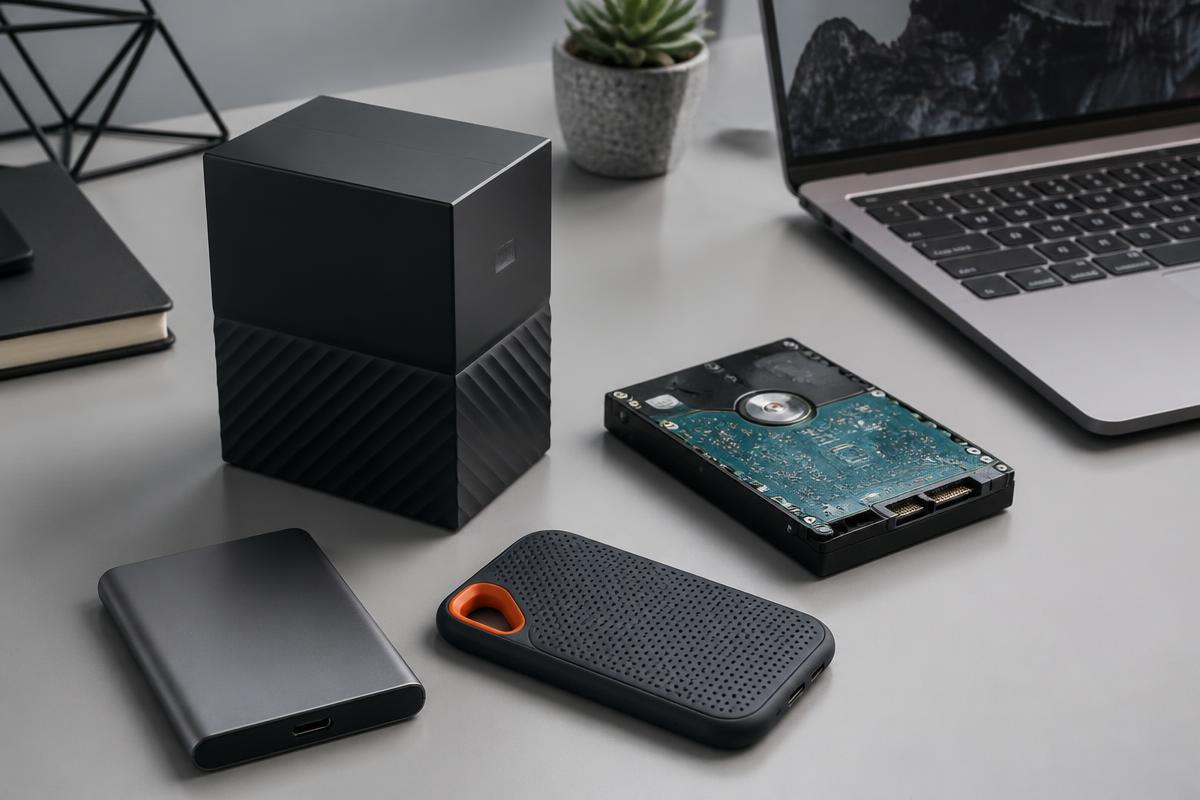
With data problems, the first ten minutes matter most.
Storage failures are the one category where trying things can make recovery impossible. Repeatedly powering a clicking drive, running repair tools on a failing disk, or writing new files over deleted ones can turn a recoverable situation into a permanent loss.
Horjely's first job here is triage: is this a file-system problem you can safely solve yourself, or a physical failure where every additional power cycle reduces what a lab can retrieve? You get that answer before you touch anything.
Common problems
What people usually describe.
These are the symptoms we hear most in this category — and what typically sits behind them.
Drive not recognised by the computer
Enclosure or cable failure, a corrupted partition table, or a genuine mechanical fault.
Files deleted or missing
Sync conflicts, a moved folder, or a genuine deletion where write activity must stop immediately.
Clicking or grinding noises
Mechanical failure. Stop powering the drive and go straight to professional recovery.
Storage full with no obvious cause
Snapshots, caches, offline cloud files, and old system images consuming invisible space.
Backups that never actually ran
Misconfigured schedules, disconnected targets, and full destinations that silently stopped.
Cloud sync conflicts and duplicates
Two devices editing offline, producing conflicting copies across the account.
What Horjely can diagnose
What the assistant can figure out for you.
- Whether your situation is safe to troubleshoot or needs to stop immediately
- If a drive is logically or physically failing
- Which recovery approach fits your case and what it typically costs
- How to build a backup routine that actually verifies itself
- What's consuming your storage and what is safe to remove
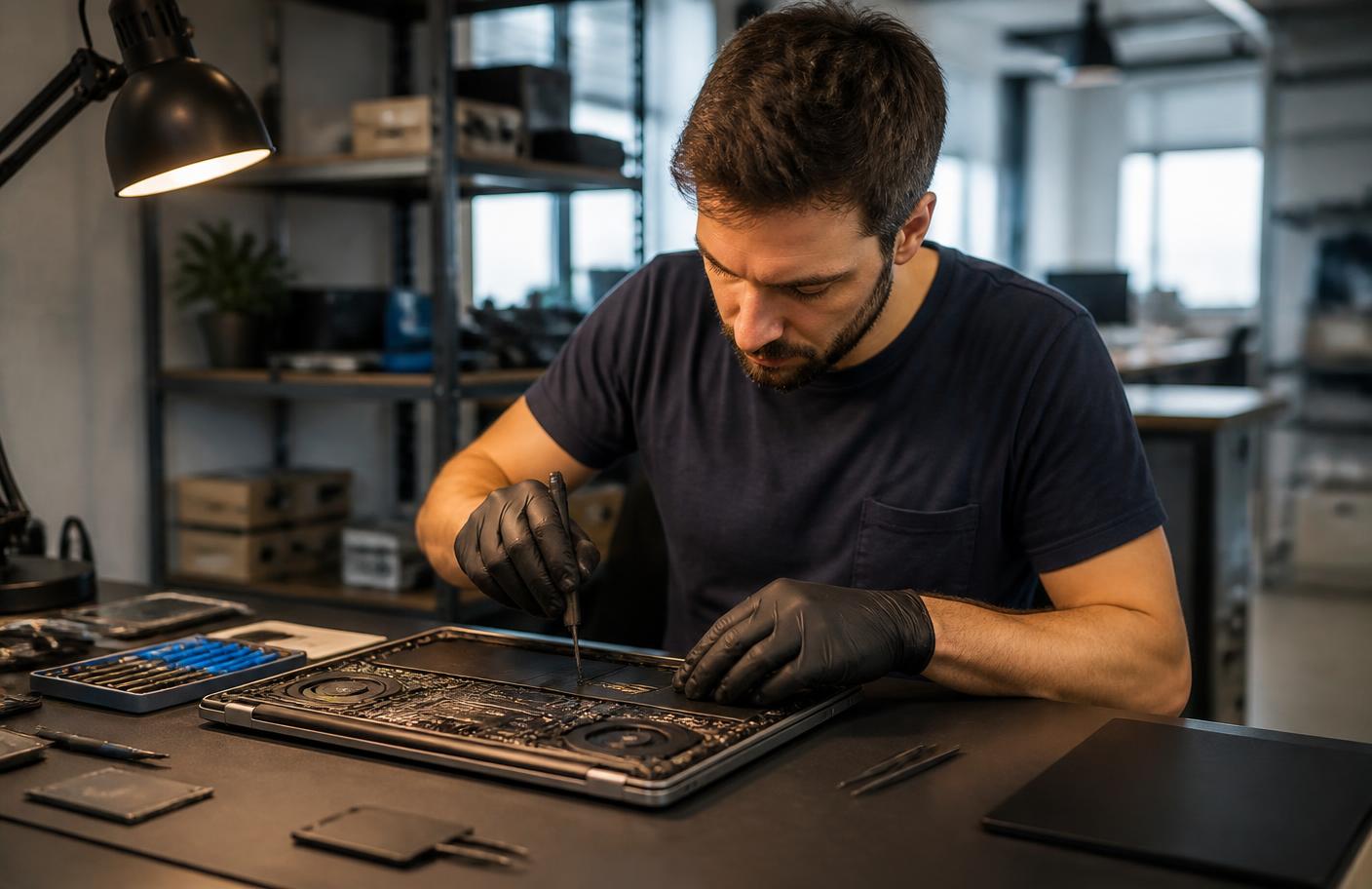
When you need a professional
The point where a human should take over.
AI is honest about its limits. These situations go straight to a verified specialist.
- Any clicking, grinding, or mechanical noise from a drive
- A drive that is not detected in the system firmware
- Recovery from a formatted, encrypted, or physically damaged device
- RAID or NAS array failures
- Irreplaceable data where a single wrong step ends the attempt
What's included
Everything in this service.
- AI data-risk triage and immediate safe-stop guidance
- Drive health interpretation walkthrough
- Logical recovery options where it is safe to proceed
- Backup strategy design with verification steps
- Storage cleanup and capacity planning guidance
- Priority handoff to a recovery specialist when required
How it works
The process, step by step.
- 01
Describe what happened
What the drive does, what you've already tried, and how critical the data is.
- 02
Get immediate triage
The first response tells you whether to stop touching the device.
- 03
Review your options
Safe self-recovery steps, or a realistic view of professional recovery.
- 04
Recover and protect
Retrieve what's recoverable, then set up a backup routine that holds.
In depth
How Horjely approaches data & storage.
The reasoning behind the diagnosis, so you know what you are paying for before you spend a single Credit.
Stop using the drive first
The single biggest factor in recovery success is what happens in the first hour. Continuing to write to a drive that has deleted or corrupted data reduces what can be retrieved, so the diagnosis begins with containment instructions.
Logical loss versus physical failure
Accidentally deleted files, formatted partitions and corrupted file systems are logical problems, often recoverable with software. Clicking drives, unrecognised disks, and controller failures are physical, and require a lab intake with different costs and timelines.
Backups that survive the next incident
Every recovery case ends with a backup recommendation sized to your data: what to keep local, what to keep offsite, and how often it should verify itself.
Typical cost
What this usually costs in Credits.
One Credit costs 0.10 EUR. You always see an estimate before anything starts.
AI diagnosis and triage
50 Credits
Risk assessment, safe-stop guidance, and a recovery path.
Guided recovery and backup setup
75 – 150 Credits
Logical recovery, cleanup, and a verified backup routine with a specialist.
Professional data recovery
60 Credits and up
Specialist recovery from failing or damaged devices, quoted after assessment.
AI diagnosis
Start with AI.
Answer a few questions and get a better idea of what might be happening before you book professional help.
What's happening?
Pick the closest symptoms for your data & storage and add any detail.
Select a symptom or describe the problem to run the analysis.
FAQ
Data & Storage questions.
Specific answers for this category, not generic support boilerplate.
Related services
Don't know what's wrong?
Start with AI.
Describe the problem. Get a clear next step. Get professional help when you need it.
You
"My Wi-Fi drops every evening in the back bedroom."
Horjely
That pattern points to channel congestion at peak hours combined with distance from the router. Let's confirm with two quick tests▍