
Smart Home Support
Devices that drop off, automations that stop firing, and hubs that won't pair — untangled with AI.
From 50 Credits
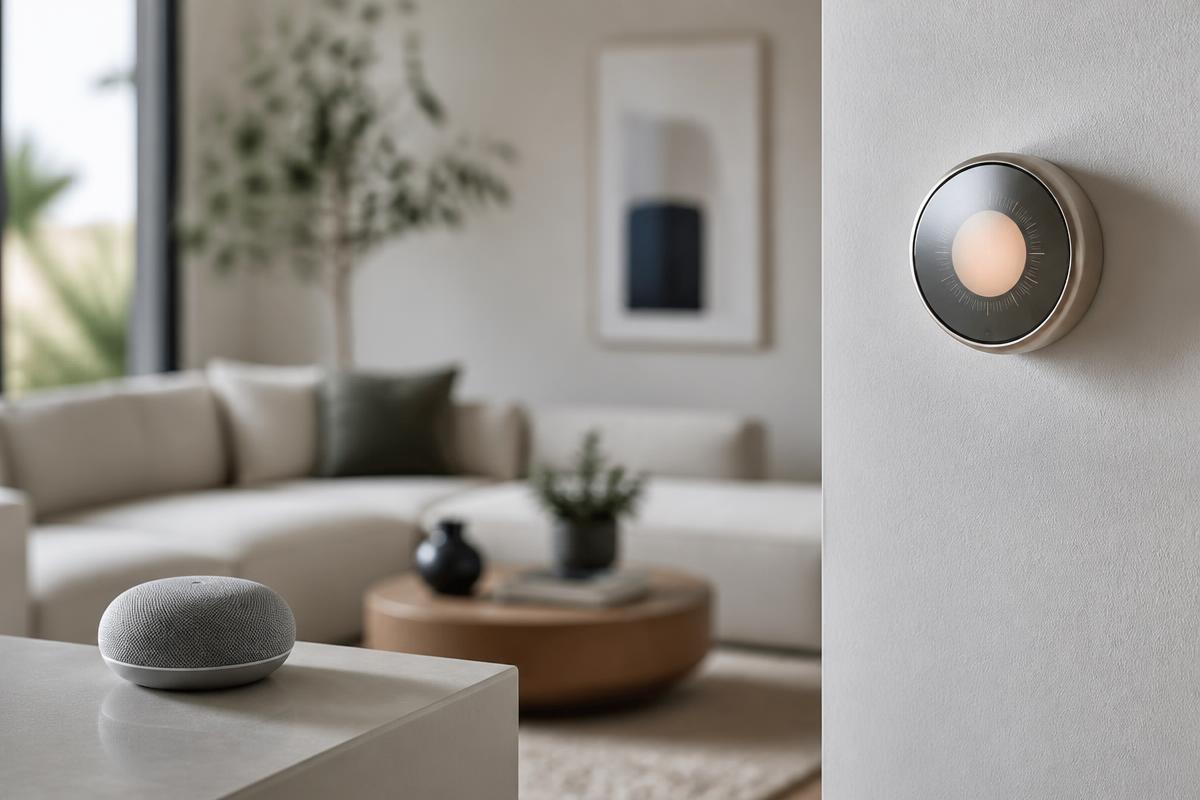
A smart home is a network problem wearing a friendly interface.
Smart plugs, thermostats, cameras, doorbells, and speakers all depend on the same fragile foundation: a stable wireless network, compatible protocols, and an app that stays authenticated. When one link breaks, the symptom shows up somewhere unrelated — the lights stop responding, or a camera goes dark at night.
Horjely asks which devices fail, on which network band, and whether the pattern is time-based. That is usually enough to distinguish a 2.4 GHz band-steering problem from a hub firmware issue or an expired cloud token.
Common problems
What people usually describe.
These are the symptoms we hear most in this category — and what typically sits behind them.
Devices show as unavailable in the app
Band steering pushing 2.4 GHz-only devices onto 5 GHz, or an expired cloud session.
A new device won't pair
Pairing requires 2.4 GHz, location permissions, and Bluetooth — one missing piece blocks the whole flow.
Automations stopped running
A firmware update reset the routine, or a linked account lost its authorisation.
Cameras buffer or lose their feed
Upload bandwidth limits, weak signal at the mounting point, or a saturated recording schedule.
Voice assistant doesn't find a device
Naming conflicts, unsynced rooms, or a device registered under a second account.
Everything drops after a router change
Devices remember the old network name and credentials and need structured re-onboarding.
What Horjely can diagnose
What the assistant can figure out for you.
- Whether the cause is network, account, firmware, or device-side
- Why a device works in one room but not another
- Which protocol requirement (2.4 GHz, Thread, Zigbee, Matter) is being missed
- Whether your hub and devices are genuinely compatible
- How to structure re-onboarding after a router or ISP change
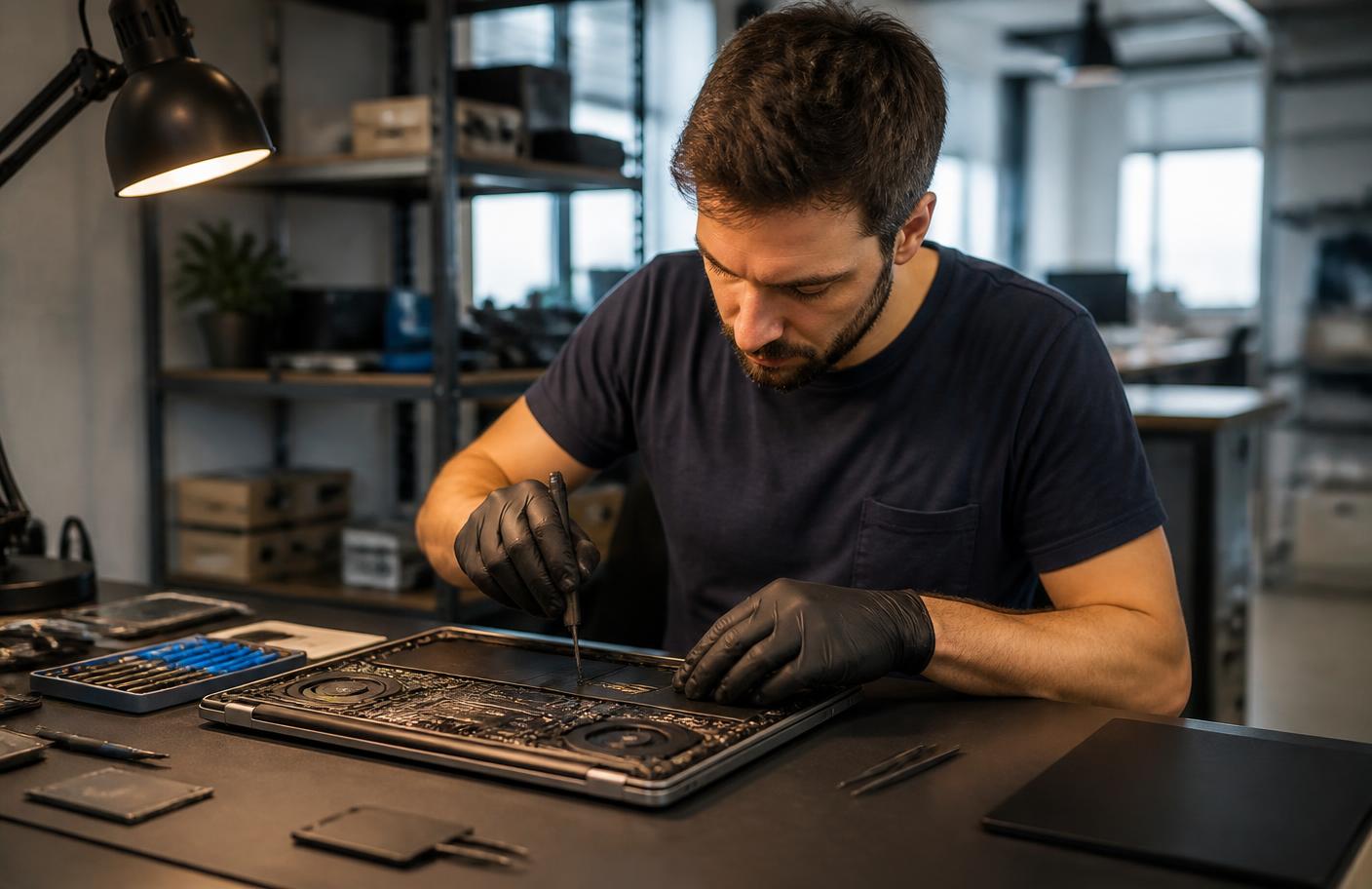
When you need a professional
The point where a human should take over.
AI is honest about its limits. These situations go straight to a verified specialist.
- Hard-wired devices: doorbells, thermostats, switches on mains power
- Whole-home hub and network design across many devices
- Camera mounting, cabling, or power installation
- Integrations spanning multiple ecosystems and accounts
- Anything involving electrical work
What's included
Everything in this service.
- AI ecosystem and connectivity interview
- Band, protocol, and compatibility verification guidance
- Step-by-step pairing and re-onboarding walkthroughs
- Account, permission, and firmware checklist
- Automation repair recommendations
- Optional escalation to a smart home specialist
How it works
The process, step by step.
- 01
List what's failing
Which devices, which app, and whether it's all of them or some.
- 02
Answer network questions
Horjely checks the band, hub, and account layer behind the symptom.
- 03
Get the root cause
One explanation that accounts for all the failing devices, not six separate guesses.
- 04
Repair the setup
Guided re-onboarding, or a specialist for wired and installation work.
In depth
How Horjely approaches smart home.
The reasoning behind the diagnosis, so you know what you are paying for before you spend a single Credit.
Pairing failures and hub distance
Most smart-home faults are radio problems in disguise: the device is too far from the hub, on the wrong frequency band, or blocked by the same wall every time. Automations that 'randomly' stop firing are usually the same issue.
Cameras, sensors, and reliability
Cameras dropping offline overnight, sensors reporting late, and doorbells missing events are typically bandwidth and power problems rather than faulty units. We identify which before anything is returned.
Automations that actually hold
Once the network side is stable, a specialist can restructure your routines so they survive firmware updates, reboots, and device replacements.
Typical cost
What this usually costs in Credits.
One Credit costs 0.10 EUR. You always see an estimate before anything starts.
AI diagnosis
50 Credits
Ecosystem interview and a single root-cause explanation.
Remote setup session
50 – 100 Credits
Pairing, automations, hub configuration, and account repair.
On-site smart home work
175 – 65 Credits
Installation, wired devices, and whole-home configuration.
AI diagnosis
Start with AI.
Answer a few questions and get a better idea of what might be happening before you book professional help.
What's happening?
Pick the closest symptoms for your smart home and add any detail.
Select a symptom or describe the problem to run the analysis.
FAQ
Smart Home questions.
Specific answers for this category, not generic support boilerplate.
Related services
Don't know what's wrong?
Start with AI.
Describe the problem. Get a clear next step. Get professional help when you need it.
You
"My Wi-Fi drops every evening in the back bedroom."
Horjely
That pattern points to channel congestion at peak hours combined with distance from the router. Let's confirm with two quick tests▍